Record Tree® Keeps Track of All Your Important Information
Personal Record Software
Know where everything is with personal record software from Record Tree®. Keep the details of personal and family records all in one place, safe and secure on your computer or the new USB Flash Drive. You and your loved ones will be able to find them when you need them. With good home record keeping software you avoid the delays, frustrations and perhaps even the serious financial losses brought on by lost or misplaced documents. Get rid of that messy stack of papers. Let Record Tree® personal record software guide you along the way to better management of your life's events.

Record Tree now offers a USB Flash Drive making it even easier to store your vital records in one location. Once complete, you can take your secure wallet card with you or store safely in another location.
When your health is at stake, you can't rely on a bulky mess of paper documents for complete and up-to-date information. Record Tree® keeps track of your physicians, pharmacists and caregivers and helps guard against medical errors caused by faulty information.
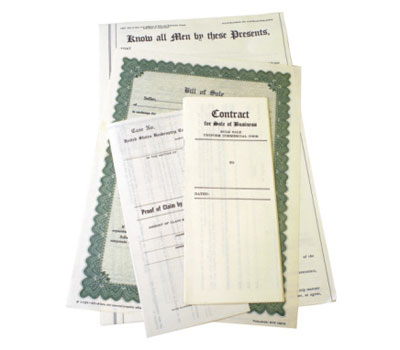
Who's your plumber? What does the guarantee for the roof cover? Who carries your home warranty insurance? What's their phone number? Record Tree® knows.

Did you know that billions of dollars in personal assets go unclaimed every year because family members and heirs are unaware of their existence? Record Tree® personal record keeping software keeps track of your assets.

Are you really prepared for disasters and emergencies? Does your readiness plan include protection for your important information? Documents can be lost or damaged in disasters. With Record Tree®, you can still have the information you need to begin the recovery process without delay.